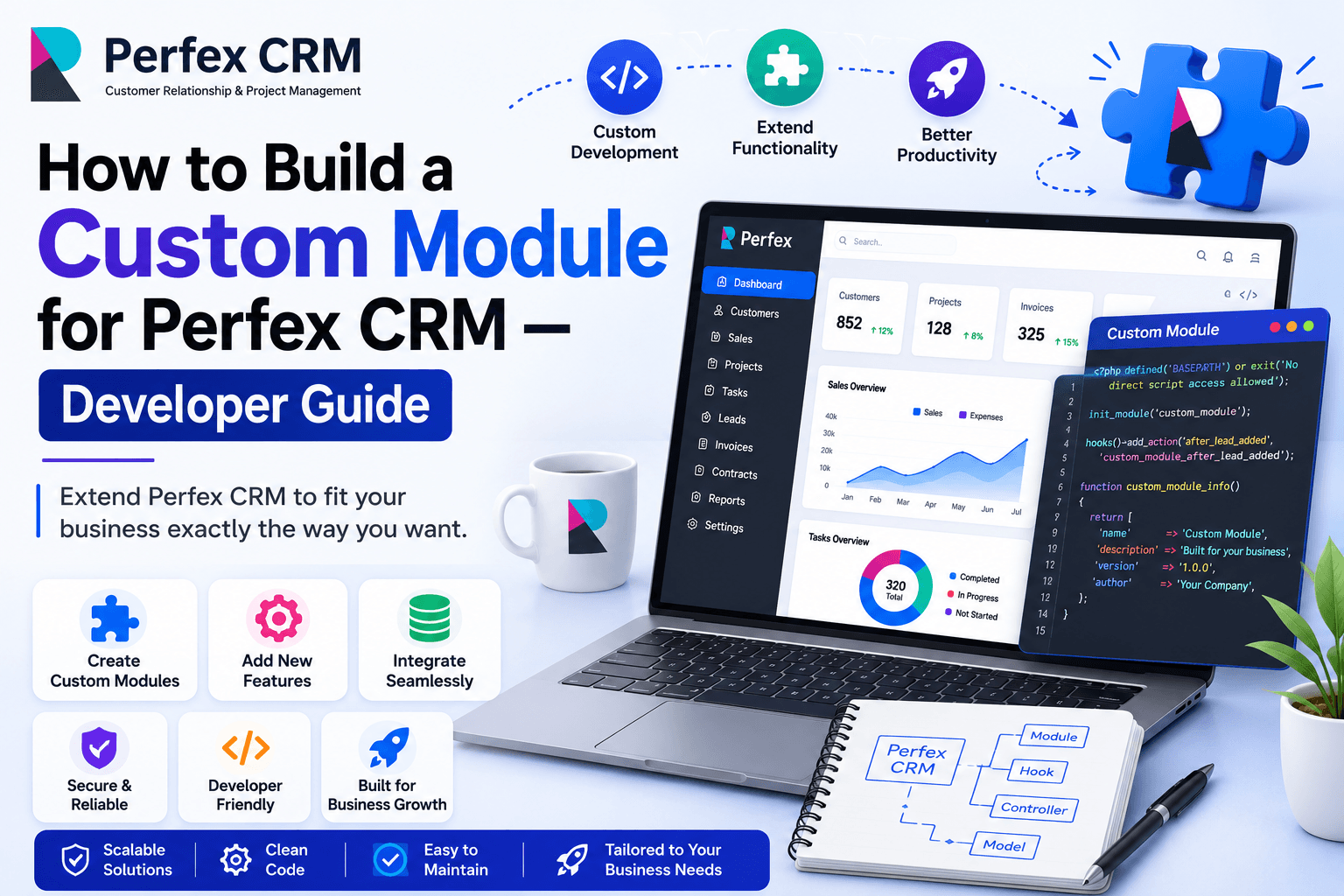
Why Build Custom Modules?
Modifying Perfex CRM's core files is a bad practice — it breaks on every update. Custom modules let you add functionality cleanly, upgrade safely, and share or sell your work on CodeCanyon.
Prerequisites
You'll need solid PHP knowledge and a basic understanding of the CodeIgniter 3 MVC pattern. Familiarity with MySQL is also required for database work.
Module File Structure
All modules live in the modules/ directory. Your module folder should follow this structure:
modules/your_module/
  your_module.php        ← Init file
  controllers/
    Your_module.php
  models/
    Your_module_model.php
  views/
    index.php
  migrations/
    001_create_table.php
  language/
    english/
      your_module_lang.php
Creating the Init File
The init file registers your module with Perfex CRM and defines install, activate, and uninstall hooks. This is where you declare module metadata and hook into the CRM lifecycle.
Adding Controllers, Views & Models
Controllers handle HTTP requests and extend Perfex's base controller for authentication. Models interact with the database using CodeIgniter's Active Record. Views contain your HTML templates using Perfex's template system.
Using Perfex CRM Hooks
Perfex CRM provides action hooks (do something at a point) and filter hooks (modify data). For example, hook into invoice creation to trigger custom logic, or filter the client list to add extra columns.
Database Migrations
Use migration files to create or modify database tables. Perfex runs these automatically on module activation, keeping your schema changes version-controlled and reversible.
Adding Menu Items & Permissions
Register your module's menu items in the init file and define permissions so admins can control which staff roles can access your module's features.
Testing & Debugging
Enable CodeIgniter's error reporting during development. Use Perfex's built-in logging for debugging. Test all CRUD operations and hook interactions before release.
Don't want to build it yourself? Hire Websicon's Perfex CRM module developers — we've built 50+ custom modules.
Ready to get started?
Let Websicon build your perfect CRM solution
Free consultation · Projects from $500 USD · No long-term contracts · EST/PST/GMT timezone support
Get Free Consultation