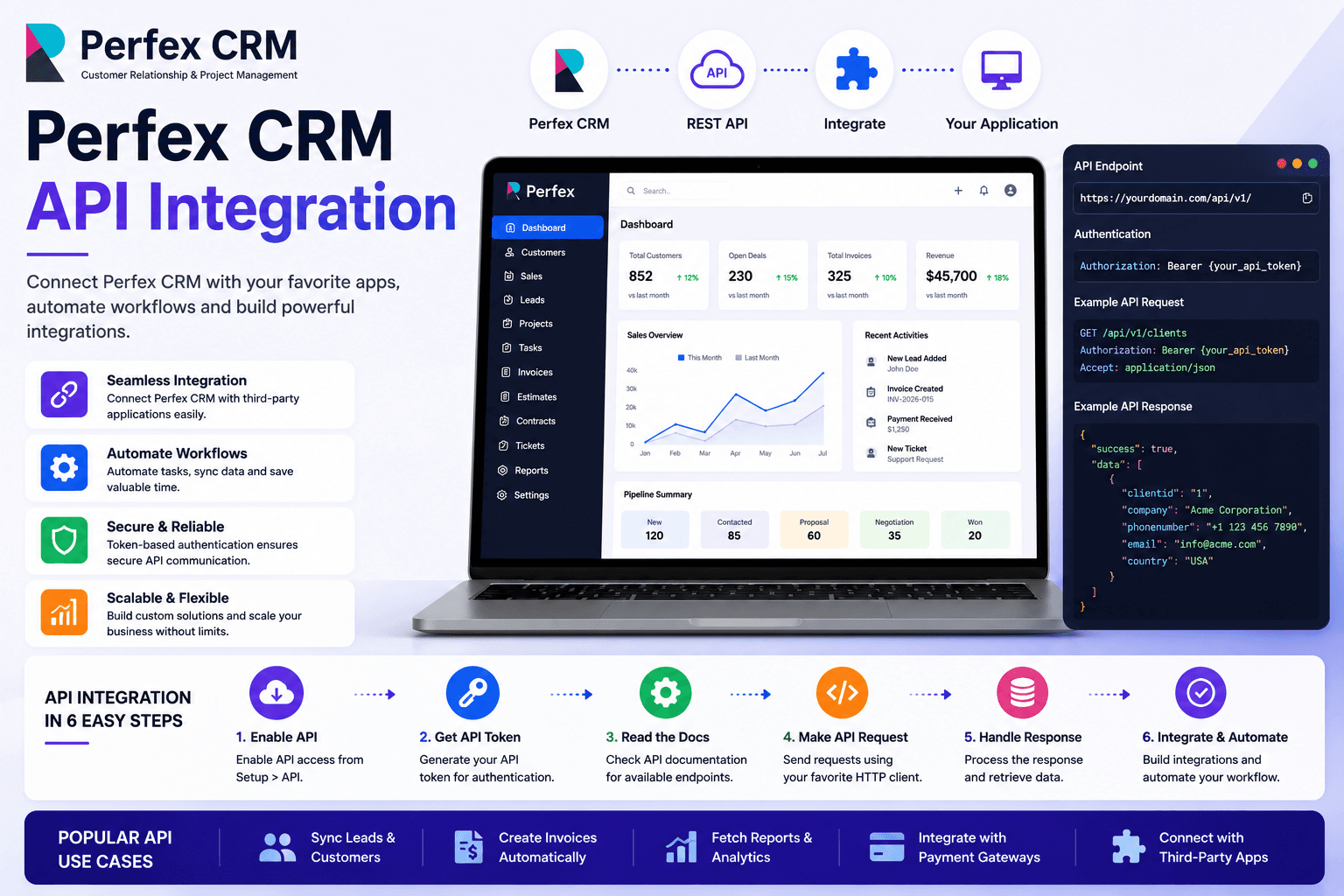
What the Perfex CRM REST API Offers
The Perfex CRM REST API module provides full CRUD access to all major entities: customers, leads, invoices, projects, tasks, tickets, payments, expenses, contracts, and proposals. This opens up limitless integration possibilities.
Installing the API Module
Purchase and download the REST API module from CodeCanyon. Upload it via Setup → Modules and activate it. The module adds an API section to your admin settings.
Authentication
Generate API tokens in Setup → API. Each token can be scoped to specific permissions. Include the token in the Authorization header of every request.
Basic CRUD Operations
All API endpoints follow REST conventions. Use GET to retrieve records, POST to create, PUT to update, and DELETE to remove. All requests and responses use JSON format.
GET  /api/clients
POST /api/clients
PUT  /api/clients/{id}
DEL  /api/clients/{id}
Required Headers
Every API request must include Content-Type: application/json and your Authorization: Bearer YOUR_TOKEN header. Missing these is the most common cause of 403 errors.
Webhook Configuration
Configure webhooks to receive real-time notifications when events occur in Perfex CRM — such as invoice paid, new lead, or project completed. Webhooks send a POST request to your specified URL.
Connecting with Zapier / Make
Use the Perfex CRM REST API as a custom app in Zapier or Make (Integromat). This enables no-code automation — for example, adding a new Perfex lead when a Typeform is submitted.
Security Best Practices
Rotate API tokens regularly, always use HTTPS, restrict API access by IP address where possible, and never expose tokens in client-side code.
Need complex multi-system integrations? Websicon's API specialists build production-ready integrations for Perfex CRM.
Ready to get started?
Let Websicon build your perfect CRM solution
Free consultation · Projects from $500 USD · No long-term contracts · EST/PST/GMT timezone support
Get Free Consultation